Mastering WordPress SEO is important for anyone who wants to make their website easier to find and bring in more visitors. With tons of websites trying to get visitors, good SEO strategies can really help your content stand out to both search engines and people.
This post will help you improve your WordPress website. It covers important steps like doing keyword research, WordPress themes and SEO plugins. We will look at how to adjust visibility settings, and create URLs that are SEO friendly.
No matter if you are new or have experience, these easy steps will help you make your website work better, connect with your visitors more successfully, and get higher positions in search engine results. Get ready to make the most of your WordPress site and improve your online visibility using these effective SEO techniques.
Steps for Mastering WordPress SEO
Web Hosting and SSL Certificates
A well-organized website can greatly increase free visitors, make users more interested, and raise the number of people who complete a desired action. A key part of good SEO is picking the right web hosting service.
Good hosting makes websites load quickly, which is important for both visitors and search engine results. Find hosts that provide good WordPress setups, reliable uptime, and great customer service.
Besides hosting, SSL certificates are important for SEO. An SSL certificate keeps your website safe by encrypting data. This protects user information and helps people trust your site.
Search engines favor safe websites, so having an SSL certificate can help improve your ranking. Also, showing the HTTPS at the beginning of your URL helps visitors feel their information is secure, which makes them want to stay longer and interact more with your content.
To improve your WordPress SEO, try using themes that are good for SEO, make your images better, and use plugins like Yoast SEO. These tools can aid you create good content, manage tags, and make your writing easier to read.
Updating your website often with new content and checking your analytics will help you see what is effective and what is not. Getting good at WordPress SEO involves many aspects, including paying attention to where your website is hosted and making sure it’s secure.
By picking a trustworthy hosting service and using an SSL certificate to protect your site, you create a solid base for good SEO plans. Combine these with regular updates to your content, and you’ll be on track to getting more visibility online and achieving success.
Choosing Website Themes
Picking the right website theme is important for getting better results in WordPress SEO. A good theme makes your site look nice and helps it work better and rank higher on search engines. Find themes that are easy to use, work well on different devices, and load quickly.
These things help improve how users feel while using the site and reduce the chances of them leaving quickly. Also, choose a theme that follows good SEO practices, like using the right HTML code and schema setup.
Make sure it works well with common SEO tools so you can easily handle meta tags and improve your content. Having the right theme can really improve how visible and effective your site is. Let us now look at some of the prominent themes available in WordPress.
GeneratePress
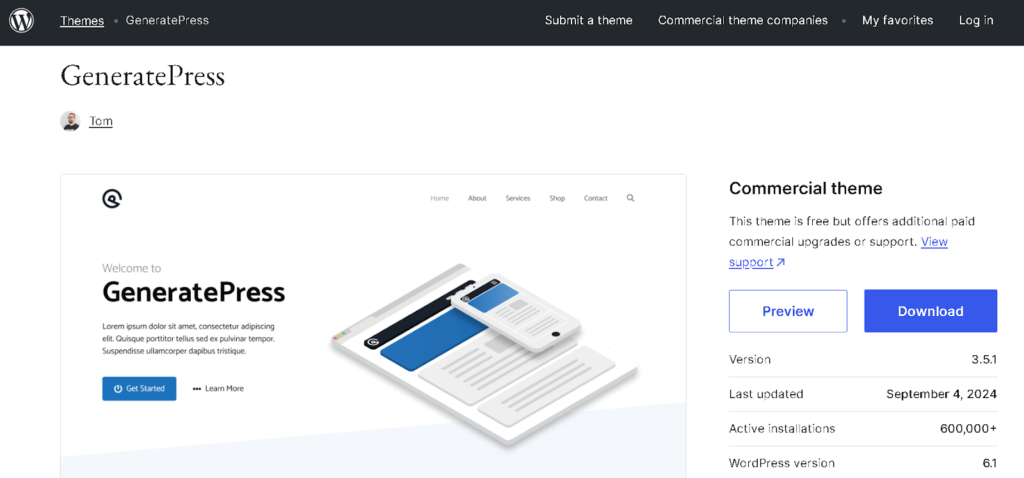
GeneratePress is a popular theme for improving WordPress SEO, known for being light and flexible. GeneratePress is designed to be fast and work well, making sure websites load quickly.
This is important for how users feel when they visit and for how well the site shows up in search results. Its neat and well-organized code makes it easier for search engines to explore your site. The theme works well on all devices, which helps provide a smooth experience.
This is also something Google looks at when deciding how to rank sites. GeneratePress works well with popular SEO tools, making it easy to change meta tags and improve content. Also, you can change how your site looks a lot without slowing it down, which makes it a great option for anyone looking to improve their SEO.
Astra
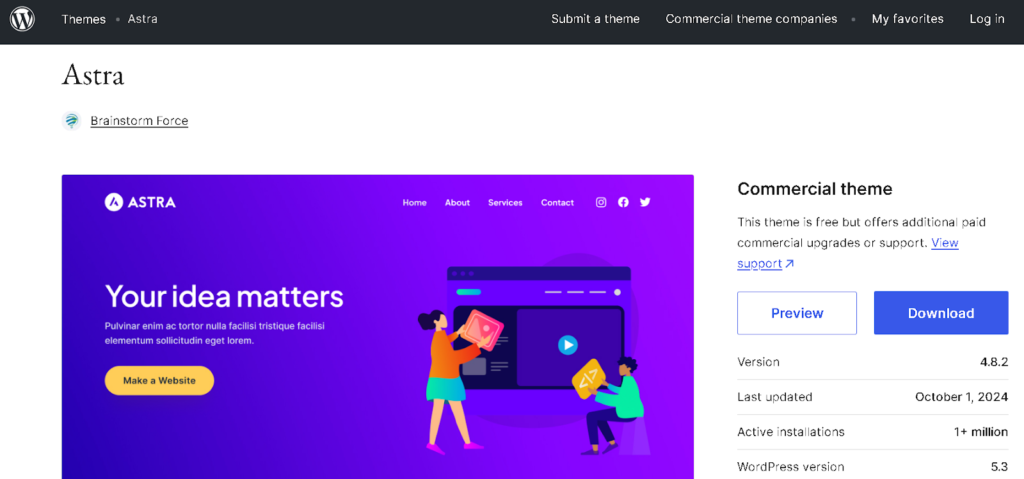
Astra is a great option for people who want to improve their WordPress site for search engines. Astra can be changed to fit your needs and works great with popular page builders, so it’s easy to make good-looking designs.
Its SEO-friendly setup, with schema markup, helps search engines visit your site easily. This theme is known for being fast because it is designed to be lightweight.
The theme works well with WooCommerce, making it a great choice for online shops that want to be more visible. Astra works well with popular SEO tools, making it easier to improve your content for search engines. This helps you start off on the right track for good SEO results.
OceanWP
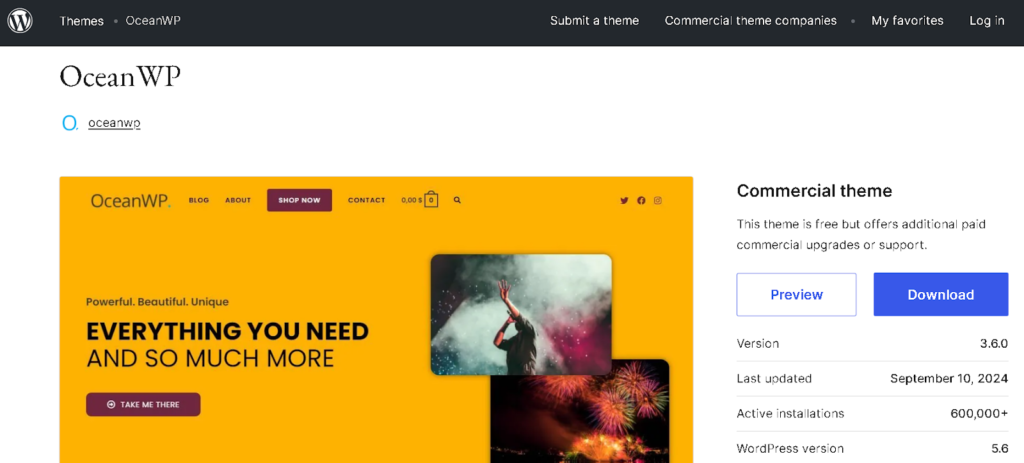
OceanWP is a flexible and easy-to-change design that looks good and is great for search engine ranking. It is known for being quick to load, which makes it better for users and helps keep them on the site.
The theme works well on all devices and easily connects with popular page builders, giving you the freedom to design creatively. It also works with WooCommerce, which makes it a good choice for online stores.
OceanWP makes it easier to improve your website for search engines by including helpful tools like schema markup and working well with popular WordPress SEO plugins. This is important for getting a higher rank on search engines. It is a strong choice for anyone who wants to improve their WordPress SEO.
Neve
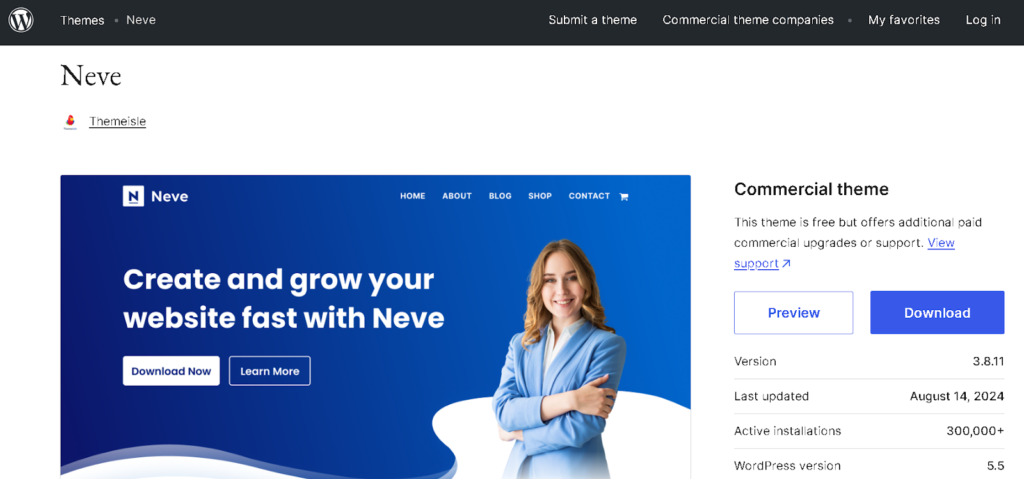
Neve is a very flexible WordPress theme that is made for fast loading and better search engine rankings. It’s a great choice for all kinds of websites, including blogs and business sites.
Its light design helps the website load quickly, which is important for how users feel and for being found on search engines. Neve works well on all devices, giving you a smooth experience no matter what you’re using.
The theme works well with popular site builders, making it easy to change things around without slowing down your website. Neve also has SEO tools that help with things like schema markup and works well with popular SEO plugins.
This makes it easier to manage things like meta tags and content. Neve is great for people who want to make their website look good and work well, while also helping it show up better in search engines.
Hestia
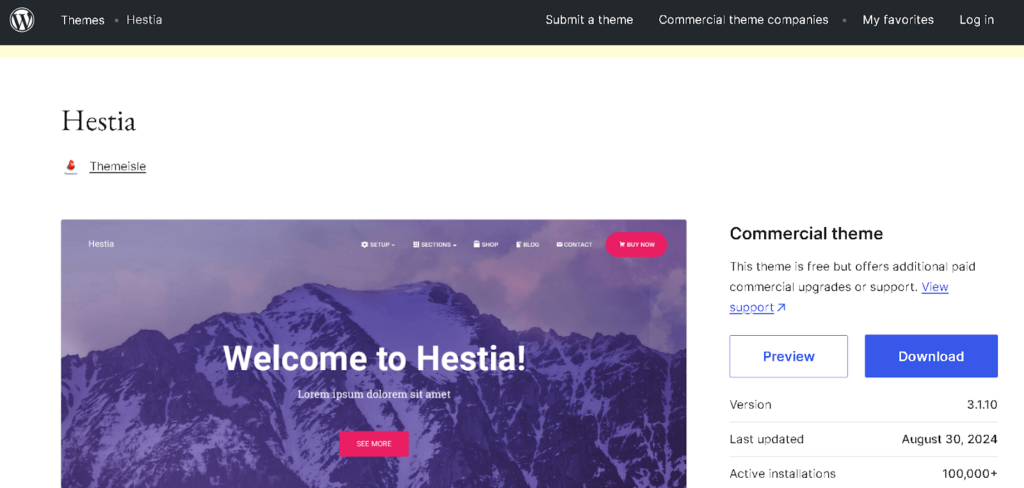
Hestia is a modern WordPress theme that can be used for many purposes. It looks good and is good for search engines. Hestia is built for speed and works well, making websites load fast.
This helps users have a better experience and can also improve how well the site shows up in search results. The theme works well on both phones and computers, making it easy to use on any device. It works well with popular page builders, making it easy to customize your site without slowing it down.
It also has SEO tools built in, like neat code and schema markup, to help bots find and understand the data more easily. Hestia looks good and works well, making it a great option for anyone who wants an attractive and search-friendly website.
Adjusting Visibility Settings
One of the first things to think about is the “Search Engine Visibility” setting in WordPress. You can find it under the “Reading” tab. Normally, this setting lets search engines find and index your site. But you might accidentally change it to stop search engines from showing your site.
If this box is checked, search engines won’t show your site in search results, which will make it hard for people to find you online. Always make sure this option is not checked so that bots can see your content.
In addition to basic visibility settings, you should pay attention to how you show different types of content on your site. Using categories and tags correctly can help search engines know how your content is organized and how important it is.
This makes it easier for search engines to find your site and helps visitors use it better, so they can move around your site more easily. Another important thing is how easily people can see your pages and posts.
WordPress lets you choose who can see each piece of content. This is really helpful for handling private or password-protected posts. If you want everyone to be able to see your website, don’t set any posts to “private” unless they are meant for certain people.
Using tools like the Yoast SEO plugin can help improve how visible you are online (we will discuss in detail about this plugin later). This plugin gives suggestions for improving each page and post. It helps you manage meta tags, focus keywords, and other things.
By checking and changing these settings often, you can make sure your website is easy for search engines and people to find. Understanding these visibility settings will help you build a strong base for your SEO plan.
Creating SEO-Friendly URLs
A good URL helps search engines know what your page is about and makes it simpler for people to move around your website. First, make sure your permalink settings are correct in WordPress. Go to “Settings” and then “Permalinks”.
Pick a link style that includes the post name, like “/%postname%/”. This option is short, clear, and uses important words, which helps both search engines and users. When making URLs for your posts and pages, make sure they are clear and related to the content.
Use important words that show what the content is about, but don’t overdo it with too many keywords. For example, instead of a confusing web address like “site.com/p=123,” use a clearer one like “site.com/seo-friendly-urls”.
This helps with rankings and makes more people want to click on the link because they can easily see what the link is about. Long and complicated URLs can confuse people and might get cut off in search results, making them less useful. Try to make URLs no longer than 60 characters.
Don’t use special characters, symbols, or extra words. They can make the URL difficult to read and make it harder for search engines to access your website. Use hyphens to separate words because they are easier for people and search engines to read.
Check your URLs regularly to make sure they are still useful and update any old links. Using these practices will greatly improve your website’s SEO. This will make your site easier for people to use and help bots find your content better.
Deciding Between www vs Non-www
Choosing between using www or non-www (called the bare domain) for your WordPress site is important for SEO. It can affect how people see your brand, how easy it is for users to navigate, and how well your site shows up in search engines.
Both choices are basically the same in how they work, but they are used for different reasons and have their own important points to think about. Using “www” makes it easy for users to see that your site is part of a larger network.
This can build trust and make things more believable because many people expect to see “www” in website addresses. Also, the website version can provide benefits like better handling of cookies and using content delivery networks more effectively.
This is especially helpful for big websites that get a lot of visitors because it helps spread out the content better. On the other hand, a domain without “www” can look cleaner and simpler, making it easier to remember and share.
Many modern brands have chosen this simplified way, which can improve how they are seen online. It’s important to make sure the chosen version is set up correctly to avoid duplicate content, as this can hurt your SEO.
No matter which version you pick, you should set up 301 redirects to send visitors from one version to the other. This helps combine traffic and signals for search engines. Also, it’s important to keep everything on your site the same.
Make sure all your links, social media pages, and promotional materials are in the same format, whether they include “www” or not. Being consistent helps people recognize the brand and avoids confusion for users.
Choosing between www and non-www should depend on your brand plans and technical needs. Whichever choice you make, make sure everything is set up correctly and works well together to improve your site’s SEO and user experience.
Also Read: How To Do Internal Linking To Boost SEO Rankings
Installing SEO Plugins
Installing SEO plugins is important for improving your WordPress SEO because they offer useful tools and features to help you make your website better. These tools help you manage descriptions, titles, and important keywords for your content.
They also offer a way to check how easy the text is to read, which helps keep users interested. Also, SEO plugins can create XML sitemaps, which help bots find and organize your website better.
By using these tools, you can gradually make your website easier to find and better at showing up in search results, which will help you get more visitors to your WordPress site without paying for ads. We will now see the SEO plugins that can be helpful to you.
Rankmath
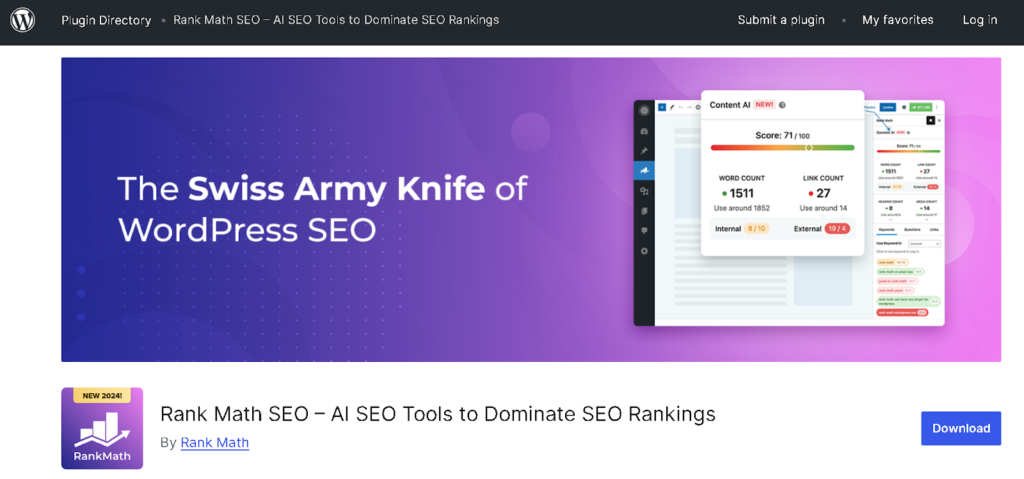
Rank Math is a strong tool for WordPress that makes it easier to improve your website for search engines. It is easy to use and has many features. These include automatic WordPress SEO audits, support for rich snippets, and tracking of keywords.
Its setup guide makes it easy to adjust settings, helping you improve your site’s visibility. Rank Math gives tips for improving your page based on the keywords you choose, making sure your content is easy for bots to find.
It also works well with Google Search Console, so you can check how your website is doing right from your dashboard. Rank Math is a great option for improving your WordPress SEO because it has many features and is easy to use.
Yoast SEO
Yoast SEO is a popular tool for WordPress that helps improve your website’s visibility in search engines easily. Known for its easy-to-use design, it helps people improve their content by providing instant feedback on how easy it is to read and how well they are using keywords.
The plugin lets you create titles and descriptions for your pages, manage sitemaps, and set up social sharing options. These features are important for helping people find your website in search results.
Its content analysis tool gives helpful tips to improve your on-page SEO, making sure your posts are easy to read for users and friendly for search engines. Also, Yoast has built-in breadcrumbs and canonical URLs to help avoid problems with duplicate content.
SEOPress
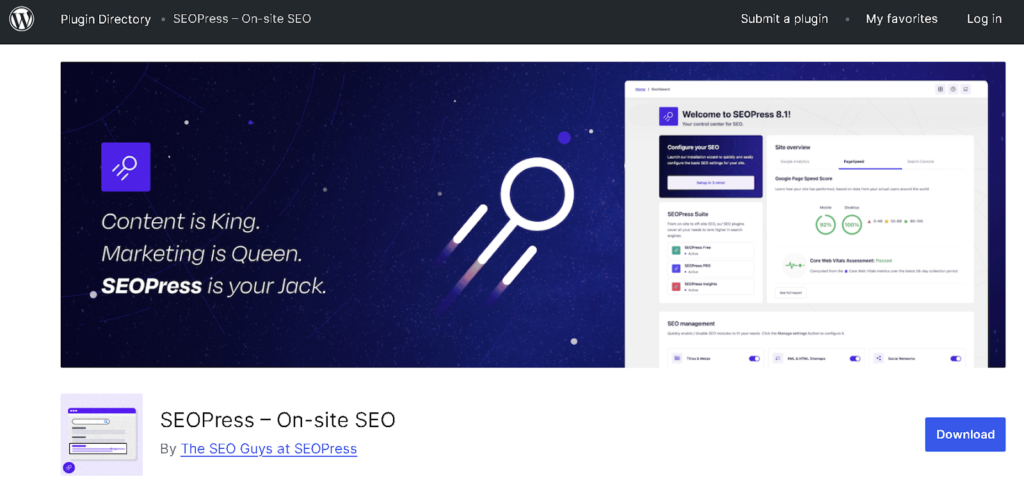
SEOPress is a helpful SEO tool for WordPress that has many features to improve your website’s performance. It has a simple interface that helps you easily manage titles and descriptions for your website, create XML sitemaps, and add breadcrumbs.
The plugin helps improve your site’s visibility by adding special code that shows extra information in search results. It has strong tools that help you check how well your keywords are doing and how healthy your website is overall.
It can work with Google Analytics to give better understanding of how users act. Also, SEOPress has helpful tools like redirect management and content analysis, making it a complete solution for anyone wanting to improve their WordPress SEO.
Schema Pro
Schema Pro is a powerful WordPress tool that is used to add schema markup to any website. This makes it easier for bots to understand what your content is about. Using structured data, it helps make your website more visible in search results.
This can lead to richer snippets and more people clicking on your links. The plugin is easy to set up and helps you add schema markup to different types of content, like articles, reviews, products, and local businesses.
You can easily change the layout without needing to know how to code. Schema Pro also has automatic updates, so your site stays up-to-date with the latest schema rules. If you want to use structured data to improve your SEO, Schema Pro is a great tool.
Broken Link Checker
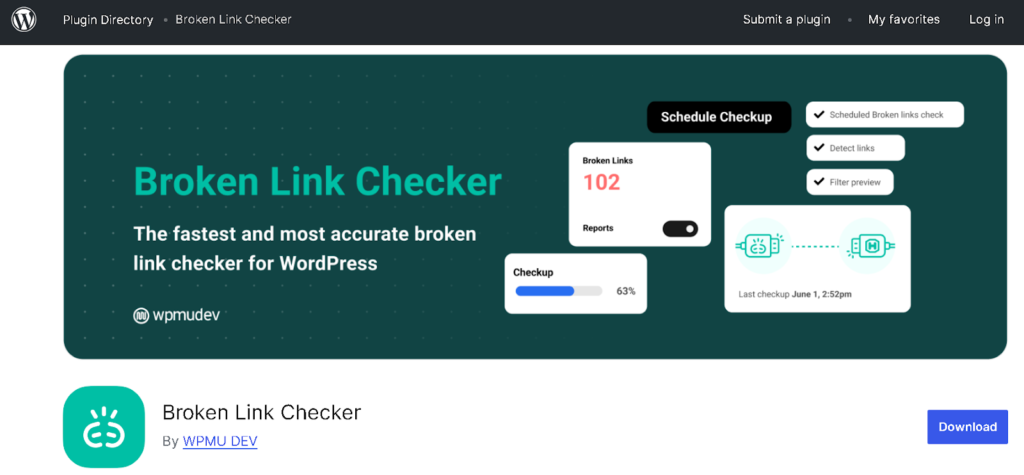
Broken Link Checker is an important WordPress tool that helps keep your website’s SEO in good shape by finding and fixing broken links. Broken links can make it hard for users and hurt your website’s ranking on search engines.
This plugin helps you find and fix them before they cause problems. It checks your website for broken links and gives you a detailed report, making it easy to fix or get rid of them. It can keep an eye on links that go out of your site and links within your site, making sure everything works well and is easy for users.
You can change the settings to decide how often to check for broken links and get alerts on the screen or through email. By regularly fixing broken links, you can greatly boost your website’s SEO and make it better for users.
Generating XML Sitemaps
Creating XML sitemaps is an important part of improving WordPress SEO because it helps search engines find and list your website. An XML sitemap is kind of a map for bots. It shows all the important pages on your website so they can find and crawl them easily.
By making a detailed sitemap, you help search engines see how your site is organized, which helps them index your content more easily. This can make your website show up better in results pages, bringing more people to your site.
Many SEO tools, like Yoast SEO and Rank Math, can automatically create XML sitemaps. When you install and turn on one of these plugins, it usually makes an XML sitemap for you automatically, so you don’t have to create it yourself.
You can find the sitemap by putting “/sitemap.xml” at the end of your website’s address. It will update automatically every time you add new content. Make sure your sitemap is set up properly. You can change the settings to add or leave out certain types of posts, categories, or pages.
This helps make the sitemap show the important content that you want search engines to find. Also, remember to send your XML sitemap to Google Search Console. This step tells Google how your website is organized, which can help it get noticed faster and improve your chances of going up in results pages.
It’s important to check your sitemap regularly for any mistakes or problems. If you make big changes to your website, it’s a good idea to create and submit your sitemap again. Using XML sitemaps well can greatly improve your website’s SEO.
Optimizing Blog Posts for SEO
Making your blog posts better for SEO is important for getting your website seen and attracting more visitors. Begin by looking up important keywords and phrases that your audience is looking for.
Google Keyword Planner is used by many to find keywords that many people search for but aren’t too hard to rank for. After you have your main keyword, use it naturally in the title, headings, and in the text.
Choose an attention-grabbing title that has your keyword in it, as this can really help more people click on it. Next, work on creating good and useful content. Be clear and relevant, focusing on what your audience needs and wants to know.
Use headers to organize your content. Making it easy to read using headers like H1, H2, and H3 helps to break up your text. This makes your content easier to understand and find what you’re looking for.
Add links from your own site and other sites to make your content more trustworthy and give your readers extra information. Internal links are links in your blog that connect to other related content on your website. They help organize your site better and keep visitors interested for a longer time.
Don’t ignore how important meta tags are. Create a short and interesting description that explains what your post is about and includes your main keyword. This description shows up in results, so it should make people want to click on it.
Also, make your images better by giving them clear file names and adding alt text with important keywords. This can help boost your SEO and make your content more accessible. Share these posts on many social media platforms and send them out in email newsletters to attract more visitors.
Use analytics tools to check how things are doing, so you can see what works and improve your plan. Regularly improving your blog will make it a helpful source in your area, which will build your credibility and lead to long-lasting success.
Conducting Keyword Research
Doing keyword research is an important part of learning WordPress SEO because it shows you the words and phrases people are using to search for things. Start by thinking of important topics that relate to your field or area of work.
Consider what questions your audience may have and what issues they are trying to fix. After you have a list of possible topics, use tools like Ahrefs, or Semrush to find out which specific keywords are related to those topics.
These tools give important information like how many people are searching, how hard it is to compete, and similar keywords. This information can help you plan your content. Look for a combination of short keywords and longer keywords.
Short keywords get more searches, but they are usually more competitive, which makes it tougher to rank high for them. But, long-tail keywords are longer phrases that usually have less competition. They can bring in more specific visitors, which often results in more sales or sign-ups.
When choosing keywords, think about what users want. Are users looking for information, wanting to buy something, or needing certain services? Changing your content to fit what users want can help get more people interested and improve your website’s search ranking.
After you find your main keywords, use them naturally in your blog posts, page titles, short descriptions, and headers. Don’t use too many keywords at once, because it can make your writing hard to read and hurt your website’s search rankings.
Also, watch what’s popular and use seasonal words to stay up-to-date and connected. Google Trends can help you find out what’s popular right now in your field. It’s important to update your keywords often because how people search can change over time.
Mastering WordPress SEO is an ongoing process that takes commitment and careful planning. By using the steps in this post, doing keyword research, improving on-page features, using SEO tools, and making good content, you can greatly improve the visibility of your site and bring in more people.
Final Thoughts
Keeping track of your performance using data will help you spot areas where you can do better and change your plans as needed. Keep in mind that SEO isn’t something you do just once. It’s necessary to know the latest trends and changes in search engines.
When you use these methods, you’ll boost your search rankings and offer more value to your audience. By providing useful and interesting information, you can make your site a reliable source in your area of expertise. If you keep working hard and stay patient, you will see more visitors and interactions on your WordPress site, leading to its success.
FAQs
How often should the WordPress SEO strategy be updated?
It’s important to update your SEO strategy at least four times a year, or more often if you see big changes in how your site is doing or in how search engines work. Watch the analytics data to see which content is doing well and which isn’t. Change your keywords, update old content, and keep up with industry news and changes in algorithms.
How is WordPress SEO affected by user experience?
User experience is very important for WordPress SEO because crawlers favor websites that make visitors happy and comfortable. Things like how fast your site loads, mobile friendliness, and how easy it is to find things on your site really affect how people use it.
What are backlinks in WordPress SEO, and why do they matter?
Backlinks they are important for WordPress SEO because they act like recommendations, showing search engines that your content is trustworthy and useful. The more good-quality links you have to your site, the more trustworthy it seems to search engines, which can help your site rank better. It’s important to prioritize quality over quantity; links from trusted and relevant websites are more valuable than many links from low-quality sites.
How can I check the performance of my WordPress SEO?
To keep an eye on how well your WordPress SEO is doing, use tools like Google Analytics and Google Search Console. Google Analytics helps you see how many people visit your website, how they use it, and how often they complete desired actions. This helps you find out which content works best. Google Search Console gives required data about how your website shows up in results pages, like how many times it was seen, how many clicks it got, and how well it ranks for different keywords.
Do you need to hire an SEO expert?
Bringing in an SEO expert can offer big benefits, especially for bigger or more competitive websites. An expert has special skills and experience that help them create and use effective plans designed for your specific needs. Deciding to hire an expert depends on how much money you have, how complex your website is, and what you know about SEO. For many people, getting help from experts can save time and produce better results.